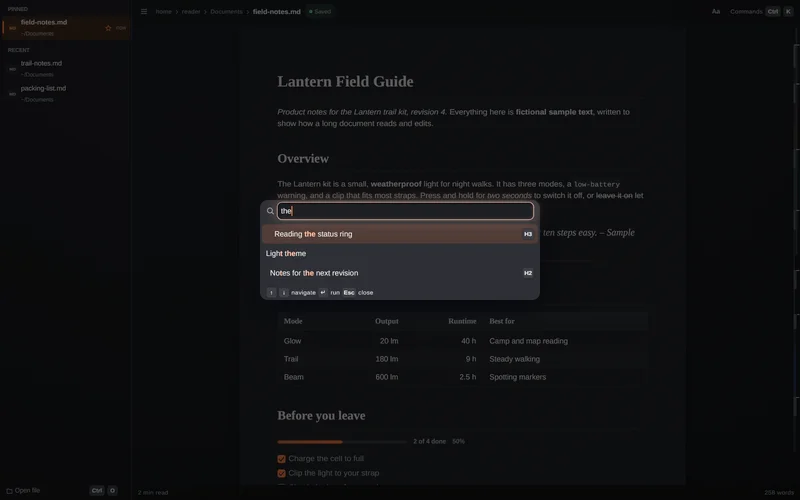
Commands palette
Ctrl K or Ctrl P opens one list of commands, the document's headings and your recent files. Type to narrow it, Enter to run.
Ctrl K or Ctrl P

ASTER MD · MARKDOWN VIEWER AND EDITOR
A native markdown viewer and editor for Windows, built on the Aster UI kit. Every file opens at once as one rendered page that you edit directly, never as raw markdown.
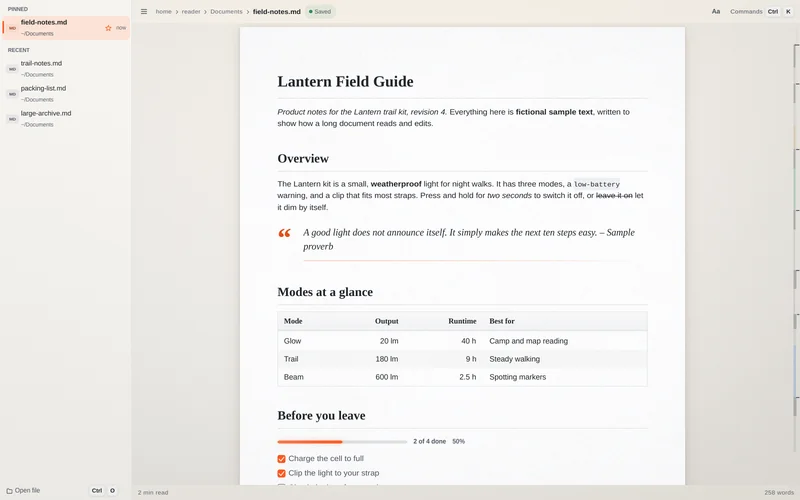 Drawn by Aster
EDIT THE PAGE
Aster MD shows the file the way it will read. Click and type; the markdown is written for you.
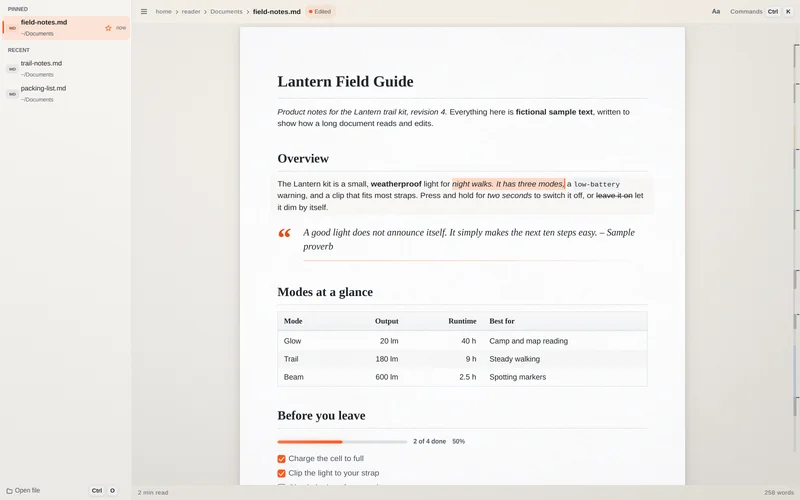
OPENS AT ONCE
Run it with a path and the file is on screen at once. Run it on its own and you get your recent files.
--new-instance opens a separate window when you want one.
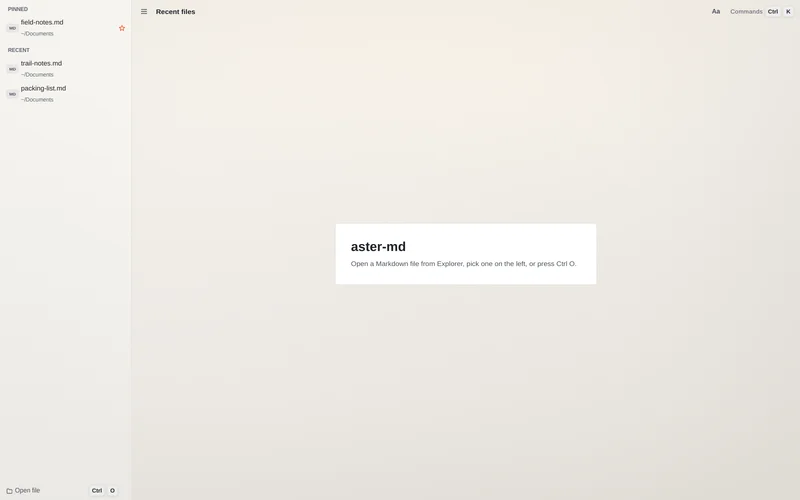
VERY LARGE FILES
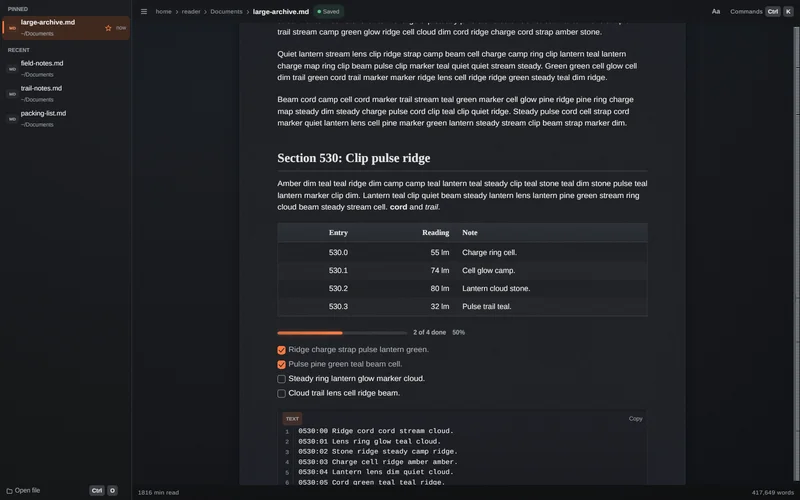
Aster MD is built for very large, very complex markdown files, and keeps an edit as small as the block you touch.
Targets are what the design is built around, not measurements. Your machine and your files will differ.
Two keys get you almost everywhere.
Ctrl K or Ctrl P opens one list of commands, the document's headings and your recent files. Type to narrow it, Enter to run.
Ctrl K or Ctrl P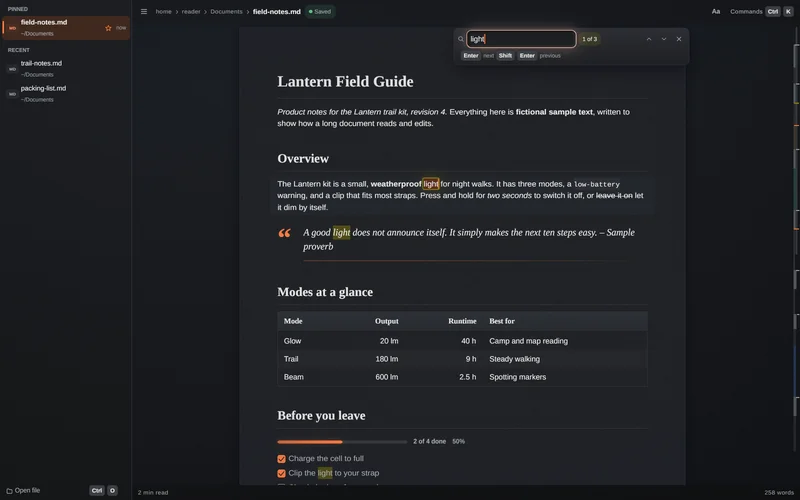
Ctrl F searches the document. Matches are marked on the page with a count, and Enter and Shift Enter step to the next or previous one.
Ctrl F, then Enter or Shift EnterPick a theme, a typeface pairing and a paper.
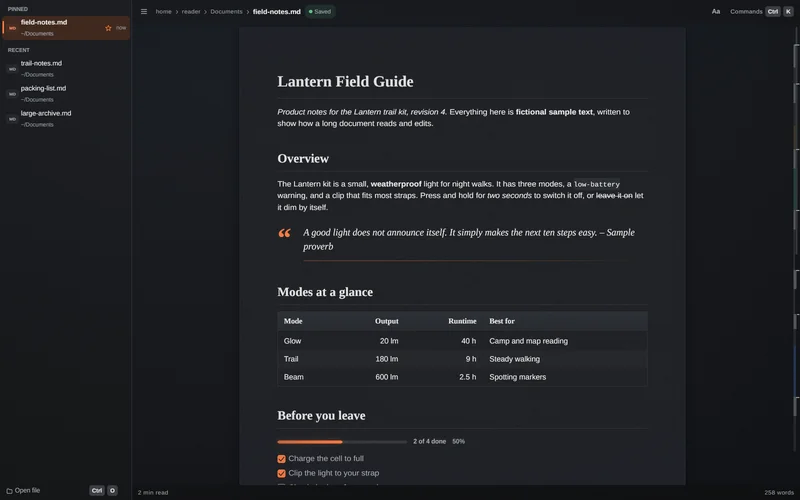
Light and dark themes. Your saved choice wins; otherwise Aster MD follows the system.
Light theme and Dark theme in the commands palette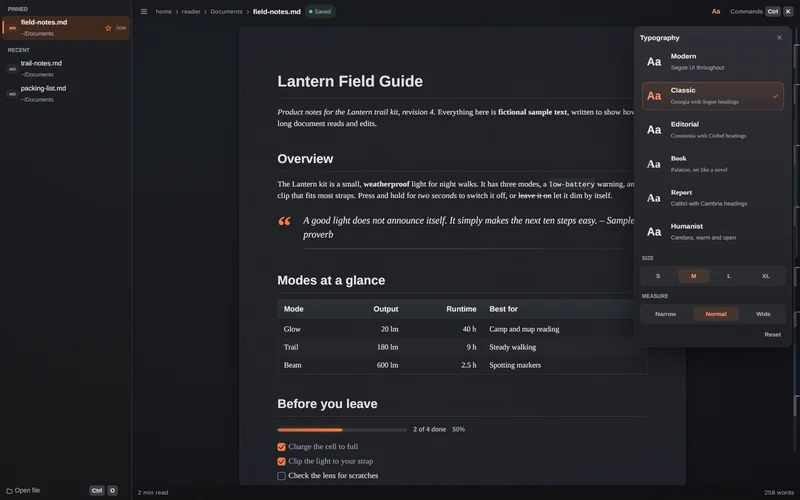
The Aa panel has six font pairings, four text sizes and three line widths. Five paper stocks and a finish are a command away.
Six pairings, four sizes, three measuresThe parts of a document that are hardest to edit are the parts you can edit directly.
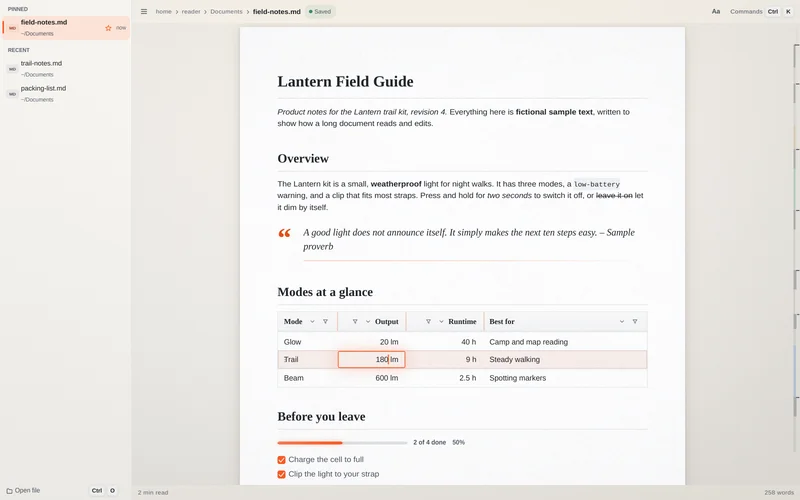
A table edits like a small sheet: a ring around the cell, column menus for sort and filter, Tab to the next cell, and cells copy to and from a spreadsheet as tab-separated text.
Tab and Shift Tab move between cells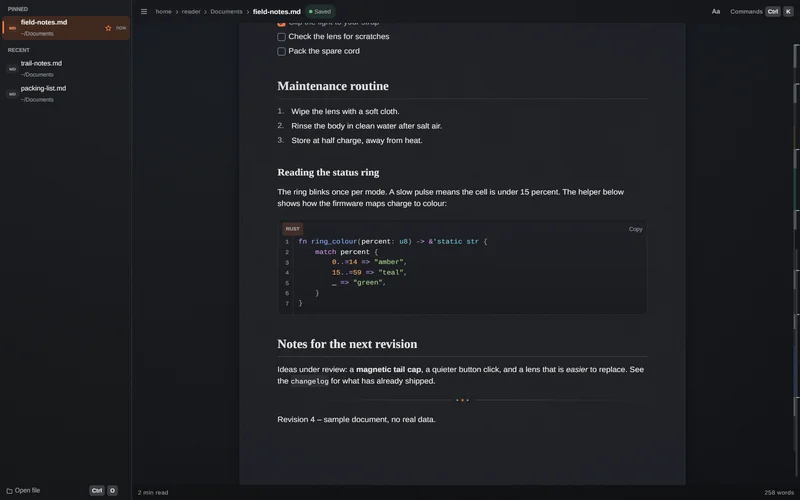
Code is coloured by language, numbered, and has a Copy button. Shift and the mouse wheel scroll a wide block sideways.
Rust shown here; other languages are coloured tooA markdown editor should never leave you wondering what it did to the file.
What you did not touch is saved exactly as it was: encoding, byte order mark, line endings and whitespace.
Windows-1252 and UTF-16 files are saved back the way they cameA recovery journal is written from your first edit and removed when you save or close cleanly.
Kept in your profile, never beside your documentIf the file changes on disk while you have unsaved edits, the two are merged. When both sides changed the same words, both versions are kept between markers. Nothing is overwritten silently.
A failed save leaves the original untouchedKinematic animation wherever it helps: the caret glides, lists and cards slide into place, and scrolling has a spring to it.
Reduced when the system turns animation offCtrl S saves, and it also saves by itself a moment after you stop typing. Turn it off in the commands palette.
Ctrl SPNG, JPEG, GIF, WebP, BMP and TIFF show relative to the document. Ctrl click opens a link.
GIF shows its first frameWindows is the shipping target. The same code also builds and runs on Linux.
One self-contained aster-md.exe: no installer needed, no runtime to add, no admin rights. Fonts come from Windows. Settings stay in your user profile, so a copy on a USB stick shares them with an installed one.
It also builds and runs on Linux, with X11 or Wayland. The screens on this page were captured on Linux.
Version 0.1.2 is an early release, and Aster MD is a working name. It comes with Aster Suite, which is not available yet.
Short answers, straight from the project's own notes.
No. You never see raw markdown. The file is one rendered page and you edit that page; the markdown is written for you, and the parts you did not touch keep their exact bytes.
Only what you edited. Encoding, byte order mark, line endings and whitespace you did not touch are written back as they were. A Windows-1252 file is saved as Windows-1252.
Aster MD comes with Aster Suite, which brings every Aster app with its own runtime built in. Aster Suite is not available yet.
A recovery journal is written from your first edit, so unsaved edits can be recovered after a crash. It is deleted when you save or close cleanly.
Windows lets only you choose the default app. Pick Aster MD under Settings, Apps, Default apps, or right-click a .md file, choose Open with, then Always.
Aster MD is designed for very large files, and the targets are on this page, but they are targets. Try your own file and see.
Aster MD is a desktop app made with Aster, the UI runtime that draws every pixel on this page's screens.
Aster MD comes with Aster Suite, which is not available yet.